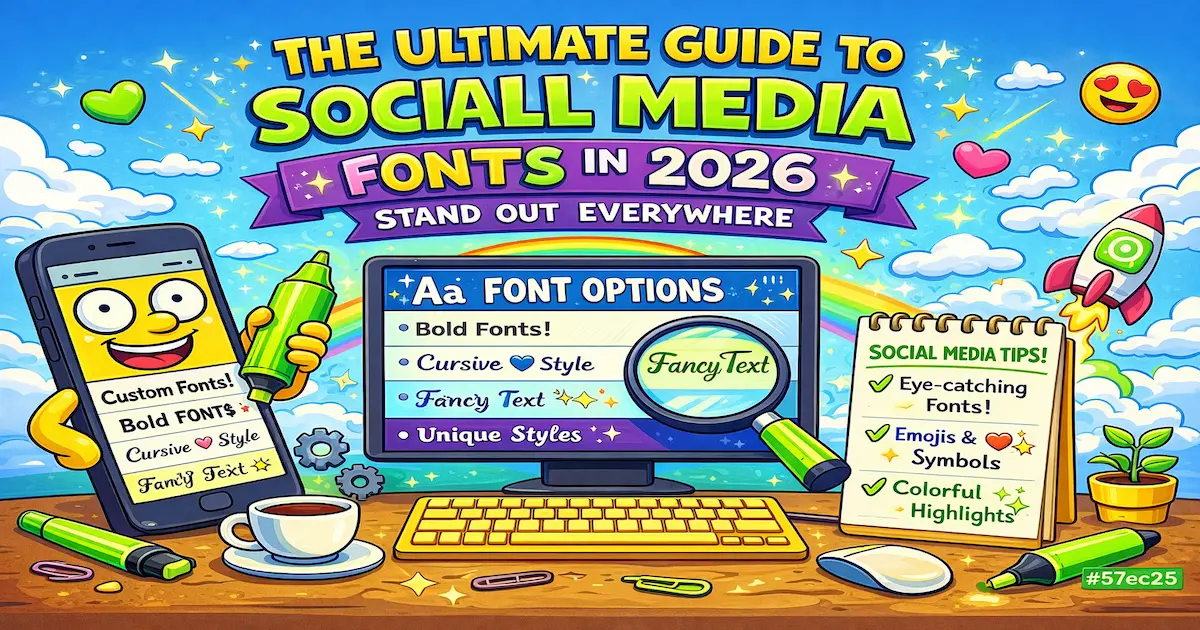
In the noisy world of social media, standard text is... invisible. Whether you are an influencer, a brand, or just want a cooler profile, using custom social media fonts is the fastest way to grab attention.
In a rush? Generate your font right now:
Go to Generator ⚡️But how do you do it? And more importantly, how do you do it right without breaking accessibility? Welcome to the ultimate guide to fonts for social.
What Are "Social Fonts"? (The Tech Part)
Here is a secret: Social media platforms do not strictly support custom fonts.
You cannot upload an .otf or .ttf file to your Instagram bio.
What we call "social fonts" are actually Unicode characters. They look like alphabet letters, but to a computer, they are symbols (like emojis). That is why you can copy and paste them anywhere — from Facebook posts to Discord nicknames.
Best Fonts for Every Platform
Different platforms have different vibes. Here is what works best in 2026:
1. Instagram 📸
Instagram is all about aesthetics.
- Best for Bio: Sans Serif (Small Caps) or Italic.
- Best for Captions: Use Bold for the first sentence (the hook) to stop the scroll.
- Pro Tip: Don't change the entire caption. It’s hard to read. Just highlight key phrases.
2. Twitter / X 🐦
Twitter is text-heavy. To stand out in the feed, you need contrast.
- Best for Tweets: 𝐁𝐨𝐥𝐝 𝐒𝐞𝐫𝐢𝐟 for headlines.
- Best for Names: ᑕOOT ᖴOᑎTᔕ or Bubbles Ⓛⓘⓚⓔ Ⓣⓗⓘⓢ.
3. TikTok 🎵
On TikTok, your username is your brand.
- Best for Nicknames: Gothic / Old English (𝔊𝔬𝔱𝔥𝔦𝔠). It fits the "edgy" or "alt" vibe perfectly.
- Best for Comments: Use 𝒸𝙪𝓇𝓈𝓲𝓋𝓮 to be polite or sarcastic.
4. Discord & Gaming 🎮
- Best for Server Nicknames: Glitch text (Z̷a̷l̷g̷o̷) or Boxed text [LIKE THIS].
- Why? It makes you look like a pro or a mod.
How to Change Your Font (Step-by-Step)
You don't need complex software like Photoshop. You just need a generator.
- Type: Enter your text at the top of Font4Social.
- Scroll: Look through 50+ styles (Cursive, Bold, Outline, Asian-style, etc.).
- Copy: Click the button next to the style you love.
- Paste: Go to your social media app and paste it.
3 Rules of Social Media Fonts
To get more likes (and not get blocked), follow these rules:
- Readability is King. If people can't read your name, they can't search for you. Avoid using heavy "Glitch" text for your main username.
- Screen Readers. Blind people use screen readers to browse the web. Unicode fonts can sound like gibberish to them. Never write important announcements solely in fancy fonts.
- Searchability. Text written in 𝒻𝒶𝓃𝒸𝓎 𝒻ℴ𝓃𝓉𝓈 is not always searchable. Put your real name or keywords in standard text, and use fancy fonts for the slogan or decorative parts.
Ready to Transform Your Profile?
Don't settle for the default system font. It's boring. Scroll up, type your text, and find a social media font that matches your energy today.