If you want to grab attention online, text alone sometimes isn't enough. Many of you already use font4social as your go-to social media font generator to find the perfect social font style for your profiles. But we decided to take your visual game a step further.
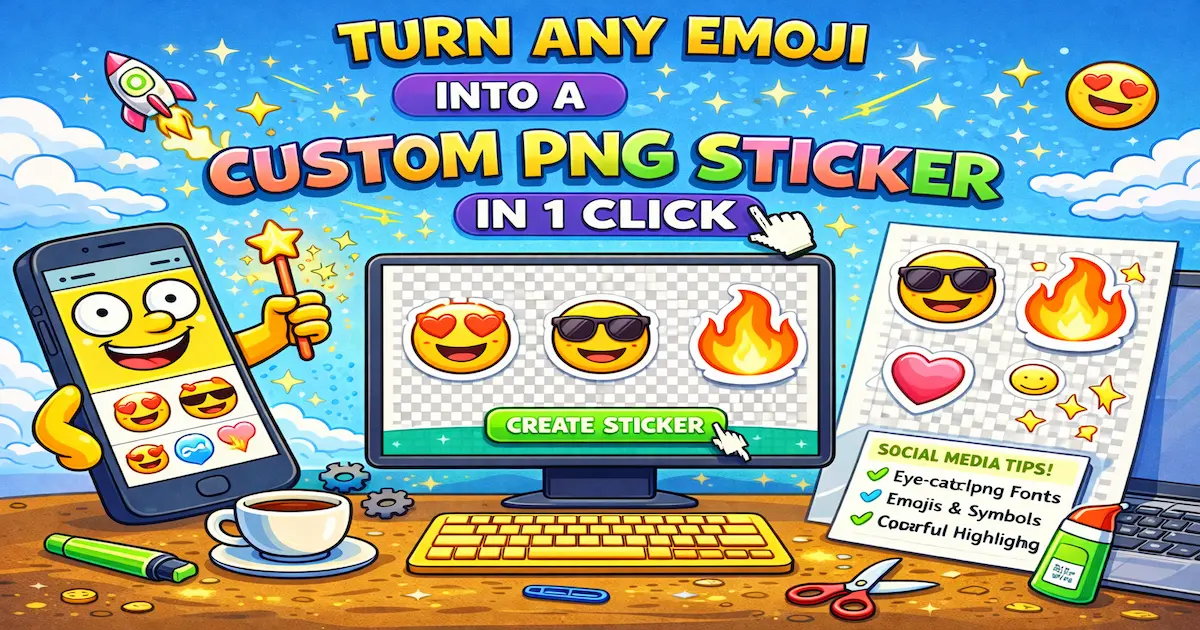
Beyond helping you find the best font for social media, we’ve added a brand-new feature that transforms any standard emoji into a unique, high-quality PNG sticker—rendered right in your browser.
🤔 The Difference: Text vs. Sticker
We’ve introduced a simple toggle right above our main generator grid. Whether you are looking for cool ig fonts or bold graphics, here is how you can use the new tool:
Mode 1: Emoji as Text
- What it does: Copies the classic symbol (like 🍩 or 🚀).
- The superpower: It is literally just regular text! Just like a standard social font, you can paste it absolutely anywhere you can type: in your Instagram bio, a simple text message, or a website comment.
Mode 2: Emoji as Sticker ✨
- What it does: This mode takes the emoji, wraps it in that classic white sticker outline, and copies it to your clipboard as a high-res PNG image with a transparent background.
- The superpower: It behaves like a real image file. While social media fonts make your text look great, these custom stickers are perfect for dropping into your Canva designs, sending as standalone reactions in Telegram, or pasting directly over your photos in Instagram Stories.
💡 How to Use It (Mobile First!)
- Flip the switch to "Emoji as Sticker" (you will instantly see the familiar white outline applied to the grid).
- Tap your favorite emoji.
- Open your favorite app (Instagram, Telegram, Canva, etc.), tap the screen, and hit Paste.
- Boom! 💥 You just dropped an exclusive sticker alongside your fresh fonts for social media.
⚠️ A quick note for Desktop Users (Windows/Mac): While this works flawlessly on iPhones and Androids, some desktop messengers try to optimize clipboard images and might replace the transparent background with a solid square. If this happens, our script automatically gives you a fallback option to download the
.pngfile. Just drag and drop it into your chat!
Ready to upgrade your group chats and stories with more than just a cool font ig style?
👉 Try the Sticker Generator Now!
🙋♂️ Frequently Asked Questions
How do I copy an emoji as a PNG image? It’s super simple! Just flip the toggle to "Emoji as Sticker" mode and click on any emoji you like. It will instantly copy to your clipboard as a high-resolution, transparent PNG, ready to be pasted anywhere.
Is this emoji sticker generator free? Yes, 100% free. You don't need to download any apps, register, or pay subscriptions. It all works directly in your browser.
Can I paste these emoji stickers into Canva or Photoshop?
Absolutely. Because the emojis are copied as standard PNG files with transparent backgrounds, you can paste them directly into Canva, Photoshop, Figma, or any other design tool using Ctrl+V (or Cmd+V).
Why does my copied emoji have a black or white background instead of being transparent? If you are using a desktop messenger (like WhatsApp Web or Telegram for PC), the app itself might flatten the image and remove transparency when pasting from the clipboard. To fix this, simply use our "Download" fallback option and drag-and-drop the file instead!