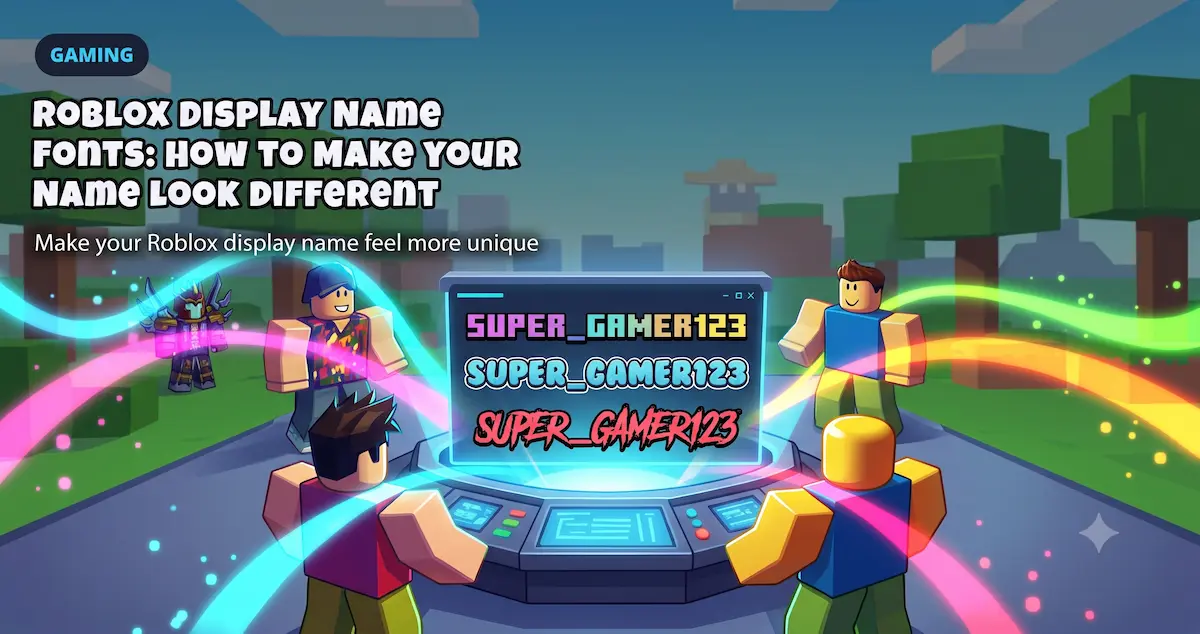
Roblox is visual. Your avatar, outfit, accessories, profile, group, and display name all say something before you type a single message. That is why a plain name can feel boring when everyone around you is trying to look unique.
Roblox display name fonts help your name feel more personal: cute, aesthetic, gamer-style, soft, spooky, roleplay, or matching your avatar vibe. The trick is not to make the weirdest name possible. The trick is to make a name that stands out and still looks readable in a server.
This guide explains how Roblox name fonts work, how to change your display name, which symbols are worth trying, and why Roblox may reject some fancy names.
How to Change Your Roblox Display Name#
Roblox has two different name ideas: your username and your display name.
| Roblox name field | What it means | Should you style it? |
|---|---|---|
| Username | Your account identity and handle | Usually keep it simple |
| Display Name | The visible name other players may see | Best place to try a style |
Roblox's official Display Name support page says display names are different from usernames, can be changed from Account Info, and can only be changed once every seven days. It also notes that your display name and username can both be visible on Roblox.
Basic steps:
- Log in to Roblox.
- Open account Settings.
- Go to Account Info.
- Select the Change Display Name button.
- Paste or type your new display name.
- Save it.
- Refresh and check how it looks.
If Roblox rejects the name, do not keep forcing the same version. Try a simpler style with fewer symbols.
How to Make Your Roblox Name a Different Font#
Roblox does not give you a normal font picker for display names. A "Roblox font" generator works by converting normal letters into Unicode characters that look like another font style.
Example:
Luna
L U N A
Luna☆
Luna♡
Some Unicode styles look like bold text, small caps, wide letters, boxed letters, or decorative letters. You copy the version you like and test it in your Roblox display name.
Important detail: it is still text. It is not a hack, cheat, script, extension, or special Roblox mod.
Can You Use Symbols in a Roblox Display Name?#
Sometimes, but not every symbol will work.
Roblox says all text on the platform, including display names, is filtered according to Roblox Community Standards. That means a display name can be rejected even if it looks harmless to you. Some symbols, words, letter combinations, or Unicode styles may not be accepted.
Good symbols to try lightly:
♡ ☆ ✧ x _ . -
Use symbols like accents, not like the whole name.
Better:
Luna☆
softxKai
Milo♡
Riskier:
✧♡☆xX_Luna_Kawaii_Star_Girl_Xx☆♡✧
The second version is longer, harder to read, and more likely to feel messy. Roblox names usually look better when the style is clean.
Best Roblox Display Name Font Styles#
The best style depends on the vibe you want. A roleplay player, horror avatar, obby fan, fashion avatar, and casual player may all need a different name style.
| Style | Best for | Why it works |
|---|---|---|
| Small caps | Clean aesthetic names | Looks different without becoming too loud. |
| Bold | Gamer names and strong avatar styles | Easy to read and more visible. |
| Soft symbols | Cute, kawaii, cozy, or roleplay names | Adds personality without changing every letter. |
| Fullwidth | Short aesthetic names | Looks spaced out and stylish, but can get long. |
| Boxed letters | Short tags or group-style names | Can feel like a badge. |
| Gothic | Horror, vampire, fantasy, dark avatars | Works best for short names only. |
| Glitch / cursed | Temporary jokes or spooky bios | Usually too messy for a display name. |
For most Roblox players, the safest formula is:
short base name + one style + one small symbol
That makes the name feel special without making it impossible to read.
How to Make a Roblox Name That Stands Out#
A name stands out when it matches your avatar and is still easy to remember.
Think about your Roblox style:
- cute avatar
- soft aesthetic outfit
- horror avatar
- anime-inspired look
- obby player
- roleplay character
- group or squad identity
- funny casual account
- clean minimal profile
Then build the name around that vibe.
| Roblox vibe | Better name direction |
|---|---|
| Cute / soft | Short name + heart or star symbol |
| Gamer | Bold or small caps name |
| Horror | Short gothic style, not heavy glitch |
| Roleplay | Elegant name with light symbols |
| Minimal | Plain root name with one accent |
| Group style | Simple tag + readable name |
Do not start by asking, "What is the most decorated name?" Start by asking, "What should my name feel like?"
That is closer to how players actually notice you. Your display name should fit the avatar they see.
Cute Roblox Name Symbols That Stay Readable#
These symbols are useful because they are simple and easy to understand:
♡ heart
☆ star
✧ sparkle
_ underscore
x soft separator
. clean separator
- simple divider
Examples of clean structure:
Luna♡
Kai☆
Milo_x
Rin✧
Nova-
These are not guaranteed to pass Roblox filters every time. They are just better starting points than heavy decorative blocks.
Avoid filling the whole display name with symbols. A name should still look like a name.
Why Roblox Rejects Some Fancy Names#
If Roblox says your display name is not allowed, there are several possible reasons:
- the name includes filtered words
- the symbols are not accepted
- the Unicode characters are not supported for your account or region
- the name looks like impersonation
- the name breaks Roblox Community Standards
- the name is too confusing or unreadable
- the text is being filtered automatically
Roblox also says Japanese characters are available for some users as a beta feature, with more character support planned in the future. That means support for non-Latin characters and special text can change over time.
Best fix:
- Remove extra symbols.
- Try plain letters first.
- Add one small symbol.
- Try a safer style like small caps or bold.
- Avoid anything that looks like a bypass trick.
Do not build your name around hacks like "invisible display name" tricks or filter bypasses. They may stop working, and they can create account risk.
Roblox Display Name Ideas Without Copying a Taken Name#
Instead of copying a random list of names, use a system. That gives you a better chance of making something that feels like yours.
Formula 1: Root Name + Symbol#
Name♡
Name☆
Name✧
Use this for cute, soft, or simple avatar styles.
Formula 2: Short Name + Aesthetic Separator#
name_x
x_name
name.vibe
Use this when you want a clean social-style display name.
Formula 3: Group Tag + Name#
TAG Name
TAG_Name
Name | TAG
Use this for friend groups, clans, roleplay groups, or matching names.
Formula 4: Avatar Theme + Name Style#
If your avatar is dark, test gothic. If your avatar is soft, test hearts and stars. If your avatar is clean and minimal, keep the name almost plain.
This works better than copying a list because the name matches the character people see in-game.
Best Roblox Name Setup#
The best setup is usually not the most complicated one.
Good:
Luna♡
Kai☆
Nova_x
Milo✧
Too much:
♡☆✧xX_LunaCuteStarAngel_Xx✧☆♡
Why the clean versions work:
- easier to read
- easier to remember
- less likely to look spammy
- more likely to fit in UI
- better for matching your avatar style
Roblox is full of visual noise. A clean stylish name can stand out more than a crowded one.
Roblox Display Name FAQ#
Can I use fancy fonts in Roblox?#
You can try Unicode font styles in your Roblox display name, but Roblox may reject some characters or symbols. Start with simple, readable styles.
How do I make my Roblox name a different font?#
Use a font generator, type your base name, copy a readable Unicode style, then paste it into your Roblox display name settings.
Why does Roblox reject my display name?#
Roblox filters all text, including display names. A name can be rejected because of words, symbols, unsupported characters, impersonation risk, or Community Standards.
Can two people have the same Roblox display name?#
Yes. Roblox says other players may also have the same display name. Your username is the more unique account identity.
How often can I change my Roblox display name?#
Roblox says display names can only be changed once every seven days.
What is the best Roblox font style?#
Small caps, bold, and light symbol styles are the best starting points. They help your name look different while staying readable.
Can I use Japanese characters in my Roblox display name?#
Roblox says Japanese character support exists for some users as a beta feature and is not available to everyone. If it does not work for your account, use a simpler style.
Final Advice#
A good Roblox display name should feel like part of your avatar. It can be cute, stylish, spooky, clean, or gamer-like, but it should still be easy for other players to read.
Start with your real base name. Add one style. Add one small symbol if it fits. Test it in Roblox. If it gets rejected, simplify.
Use the Roblox name font generator to create a few versions, then keep the one that looks unique without looking broken.